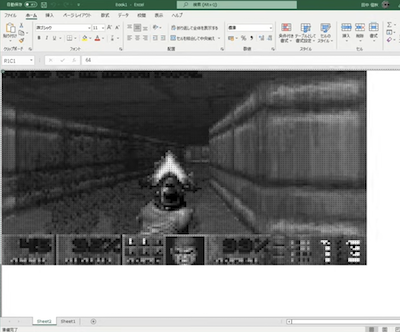
Doom in Microsoft Excel
Doom runs entirely inside Microsoft Excel, using spreadsheet cells as pixels and VBA to drive the game’s rendering and input. The project turns a standard workbook into a surprisingly playable Doom engine.
Doom runs entirely inside Microsoft Excel, using spreadsheet cells as pixels and VBA to drive the game’s rendering and input. The project turns a standard workbook into a surprisingly playable Doom engine.
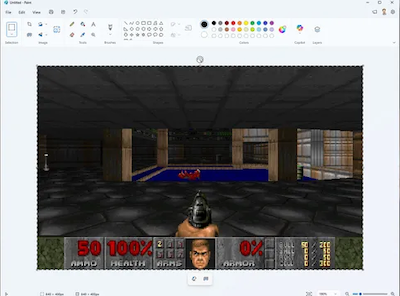
DoomPaint turns Microsoft Paint into a playable Doom display by rendering every game frame onto the Windows clipboard and pasting it directly onto the Paint canvas. The real Doom engine runs in the background with working sound and music, while Paint acts as a surprisingly functional “monitor”—complete with the ability to rewind gameplay one frame at a time using Undo.
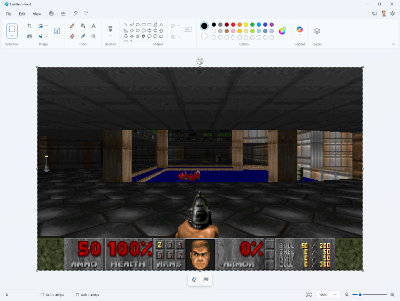
Doom in MS PAint again, but now via Copy/paste faster,
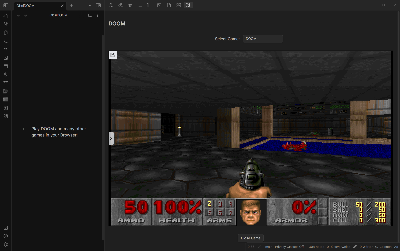
In the Markdown Editor Obsidian, which is for taking notes in markdown, you just aren’t exposed to enough demonic bloodlust. This plugin fixes that by allowing would-be authors to become would-be Doom Enthusiasts. It allows for more than just doom, and supports anything on the dos.zone site.


Canva - a graphic design website. Canva Doom runs Doom inside Canva’s App SDK, built on top of doomgeneric and inspired by doompdf. WAD loading is simple thanks to Canva’s file input. The port also renames the app’s title bar and even prints ENDOOM onto the document when exiting.

DoomVst is a fork of doomgeneric that compiles to a VST plugin using the JUCE C++ framework, which allows Doom to be run on pretty much every DAW, including FL Studio.

The classic DOOM runs inside a Google Sheets document using Google Apps Script and JavaScript. The game is rendered frame-by-frame by updating the background colors of spreadsheet cells.

The output for DoomPDF is achieved by creating a text field for each row of pixels in the screen, then setting their contents to various ASCII characters.

Every game tick, doomgeneric_docm.dll creates a bmp image containing the current frame and uses GetAsyncKeyState to read the keyboard state. The main VBA macro's game loop runs a tick in doom, then replaces the image in the document with the latest frame.